
WELCOME TO THE FUTURE OF TECHNOLOGY
Exploring the World of Technology
Deep insights, tutorials, and trends from the world of technology, programming, and innovation.
What We Cover

Graphic Design
Graphic Design with a deep fascination for how visuals communicate emotions, ideas, and identity without speaking a single word. Over years of teaching and professional practice, I understood that graphic design is not simply about making things look beautiful—it is about solving communication problems visually. At the foundation of graphic design lies the understanding of design principles such as balance, contrast, hierarchy, alignment, proximity, repetition,
white space, and proportion. These principles guide how elements are arranged so that information becomes clear, attractive, and purposeful. These principles guide how elements are arranged so that information becomes clear, attractive, and purposeful. The next essential component is color theory, where designers study color psychology, color harmony, RGB and CMYK systems, and how colors influence human perception and brand identity. Typography then plays a crucial role; selecting the right fonts, understanding type hierarchy, spacing (kerning, tracking, leading), and readability ensures that the message is both aesthetically pleasing and easy to understand.The design process begins with understanding the client’s objective—what problem needs to be solved? Is it branding, advertising, social media, UI design, packaging, or print media? After defining the objective, research is conducted to understand the target audience,competitors, and market trends. The designer then creates rough sketches or wireframes to explore layout ideas.These concepts are developed digitally using professional tools such as Adobe Photoshop for raster graphics, Adobe Illustrator for vector graphics, and Adobe InDesign for layout design. During this stage, the designer carefully selects visual elements such as images, icons, illustrations, shapes, textures, and typography to build a strong visual hierarchy that guides the viewer’s eye naturally from the most important information to the least. Once the design draft is created, refinement begins. The designer adjusts spacing, alignment, contrast, color balance, and visual consistency to ensure harmony across all elements. For branding projects, logo design involves creating scalable vector graphics that maintain clarity across different sizes and platforms. If the project is for digital platforms, the designer works in RGB color mode and optimizes assets for screens; if it is for print, CMYK color mode, bleed areas, margins, and high-resolution (300 DPI) settings are used to ensure print accuracy. Before final delivery, mockups are created to visualize how the design will appear in real-world applications such as business cards, billboards, websites, or product packaging.
Artificial Intelligence
Artificial Intelligence with a fundamental question: can machines think and learn like humans? Over years of research and teaching, I discovered that AI is not magic but a structured combination of mathematics, algorithms, data, and computing power working together to simulate human intelligence. At its core, Artificial Intelligence is the science of building systems that can perform tasks such as learning, reasoning, problem-solving, language understanding, and decision-making.
The foundation of AI begins with data, because machines learn from data rather than experience like humans. This data is collected, cleaned, and prepared through preprocessing steps such as normalization, labeling, and transformation. Once prepared, the data is fed into algorithms, which are mathematical models designed to detect patterns. In traditional Machine Learning, models such as Linear Regression, Decision Trees, or Support Vector Machines are trained on structured datasets. In more advanced AI systems, Deep Learning uses Artificial Neural Networks inspired by the human brain, consisting of input layers, hidden layers, and output layers, where each neuron processes numerical signals using weights and activation functions. The training process involves feeding data into the model, calculating predictions, comparing them with actual results using a loss function, and adjusting weights through optimization techniques such as gradient descent and backpropagation. This iterative process continues until the model achieves acceptable accuracy. Once trained, the model is deployed into real-world environments where it can make predictions on new, unseen data. For example, in image recognition, AI processes pixel values; in Natural Language Processing (NLP), it converts words into numerical representations using embeddings; and in recommendation systems, it analyzes user behavior patterns. Behind the scenes, AI systems rely heavily on powerful hardware such as GPUs and cloud computing infrastructure to handle large-scale computations efficiently. When a user interacts with an AI-powered system—such as asking a chatbot a question—the input is processed, converted into machine-readable format, analyzed by a trained model, and a prediction or response is generated in milliseconds. In enterprise systems, AI connects with backend servers, databases, APIs, and frontend applications to deliver intelligent automation. Ethical considerations such as bias reduction, data privacy, transparency, and responsible AI deployment are also critical components of modern AI development. As a professor of Artificial Intelligence, I see AI as a disciplined integration of mathematics, statistics, computer science, and cognitive theory, where machines are trained step by step to perceive, learn, adapt, and assist humanity in solving complex real-world problems efficiently and intelligently.
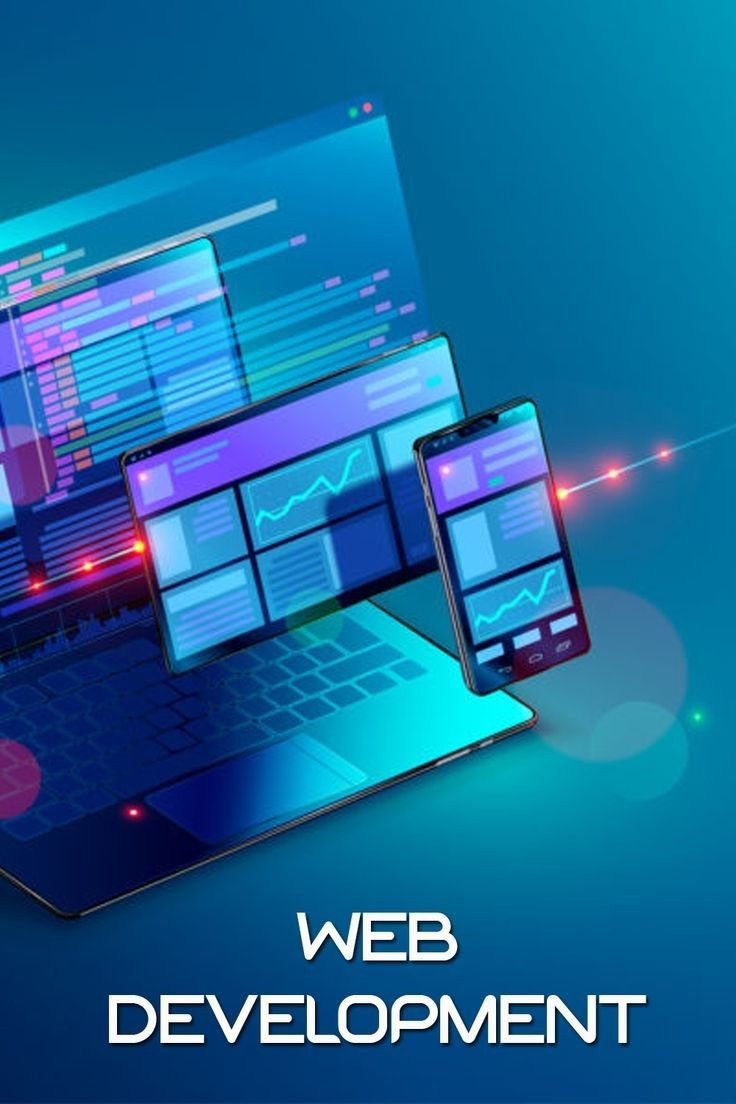
Web Development
Web Development with a simple curiosity: how does a website appear instantly when we type a URL? Over years of research and teaching, I discovered that web development is a beautiful collaboration between structure, design, logic, and communication systems working together in perfect synchronization. At the foundation of every website lies HTML (HyperText Markup Language), which provides the structure of the webpage. HTML defines headings, paragraphs, images, forms, buttons, links, and semantic elements that give
meaning to content. However, HTML alone creates only a skeleton.To make this skeleton visually appealing, we use CSS (Cascading Style Sheets), which controls layout, colors, fonts, spacing, responsiveness, animations, and overall design presentation. CSS transforms raw structure into a professional interface that users can interact with comfortably across devices.But structure and design are not enough for modern web applications. This is where JavaScript plays a crucial role. JavaScript adds intelligence and interactivity to the website. It allows dynamic content updates, form validation, event handling, animations, API communication, and real-time changes without reloading the page. With JavaScript, websites become applications. Together, HTML builds the structure, CSS styles the presentation, and JavaScript controls the behavior — forming the three pillars of frontend development. When a user types a website URL into the browser and presses Enter, a series of technical steps begin behind the scenes. First, the browser sends a request to the DNS (Domain Name System) to convert the domain name (like google.com) into an IP address. Once the IP address is found, the browser establishes a connection with the server using HTTP or HTTPS protocol. This is the beginning of the Client-Server architecture, where the browser acts as the client and the hosting machine acts as the server. The client sends an HTTP request asking for resources such as HTML files, CSS files, JavaScript files, images, and other assets. The server receives this request. If it is a simple static website, the server directly sends back HTML, CSS, and JavaScript files. However, in modern dynamic applications, the request is processed by the backend. The backend is built using server-side languages such as Node.js, Python, PHP, Java, or others. The backend handles logic, authentication, authorization, database communication, and business rules. If the website needs data (for example, user login information or product details), the backend communicates with the database (such as MySQL, PostgreSQL, or MongoDB) to retrieve or store data. After processing everything, the backend sends a response back to the client in the form of HTML or JSON data. Once the browser receives the response, it begins rendering the page. It first parses the HTML to build the DOM (Document Object Model). Then it processes CSS to create the CSSOM (CSS Object Model). These two are combined to form the Render Tree, which determines how elements appear on the screen. JavaScript is then executed by the browser’s JavaScript engine (like V8 in Chrome), allowing dynamic changes to the DOM. Finally, the browser paints pixels onto the screen, and the user sees the fully loaded website. If the user interacts with the page — clicks a button, submits a form, or scrolls — JavaScript may send asynchronous requests (AJAX or Fetch API) to the server without reloading the page. This enables smooth, real-time experiences. Security layers such as SSL/TLS encryption ensure that data transferred between client and server remains protected. Additionally, caching, CDNs (Content Delivery Networks), and optimization techniques improve performance and speed. Thus, web development is not just coding; it is a coordinated system of frontend design, backend processing, database management, network communication, and browser rendering working together step by step. From the moment a user enters a URL to the moment content appears on the screen, dozens of processes occur in milliseconds. As a professor of web development, I see it as a digital ecosystem where HTML gives meaning, CSS gives beauty, JavaScript gives life, the server gives power, and the client brings everything together into a seamless user experience.
“The future belongs to those who understand technology and know how to use it wisely.”
ABOUT THE BLOG
Making Technology Simple, Practical, and Future Ready

Want to Learn More About Technology?
Learn programming, tech concepts, and tools with simple and practical explanations.